
ICIP-P2400-Y/L
To perform the factory reset function, make sure the device is powered then press and hold the reset button for at least 35 seconds. The camera will reboot when the factory reset is successful.

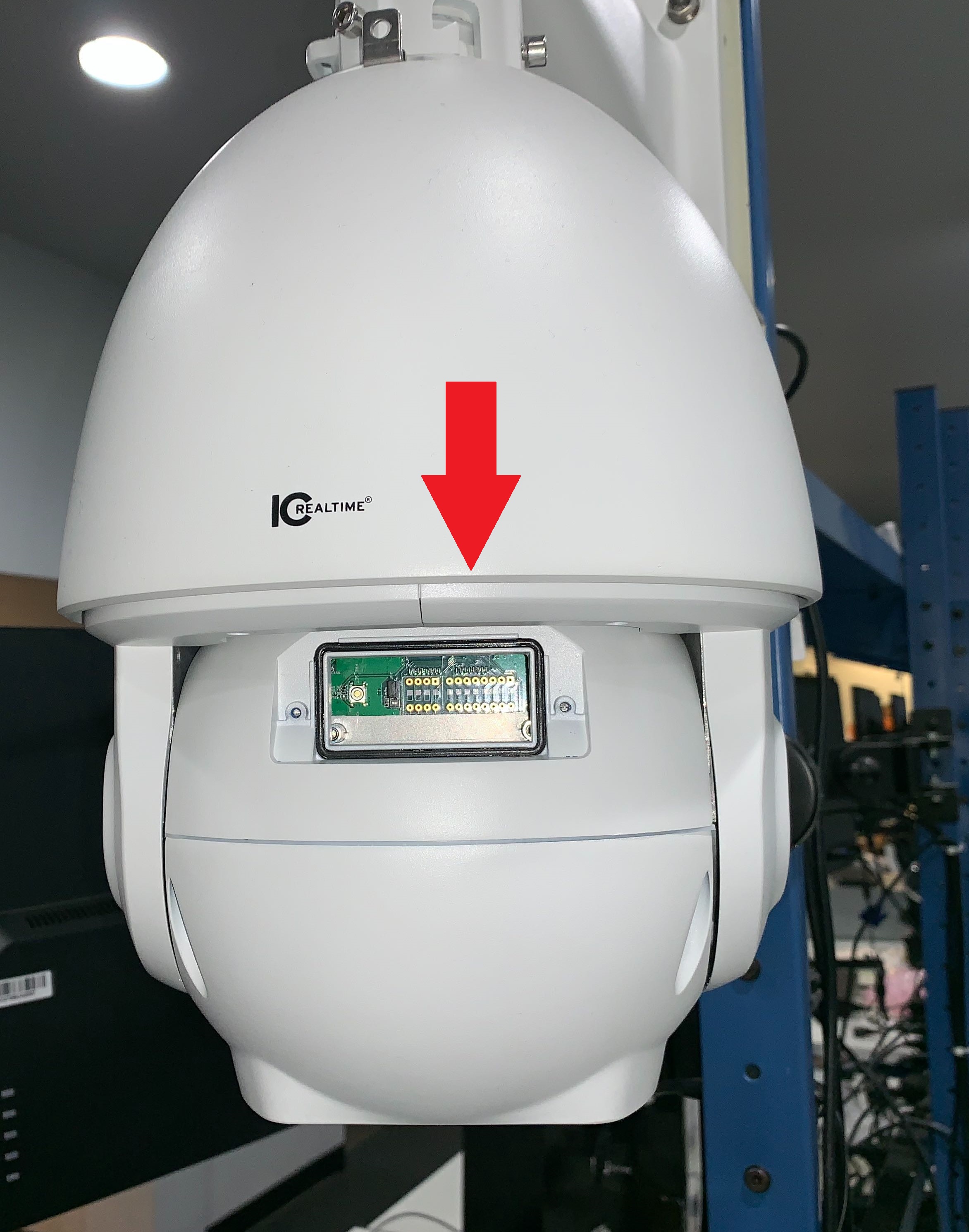
If your model does not have the button shown above, it may be in the motherboard located in the dome/ ball section.
Still stuck?
Our support team answers by email. It helps to have these ready:
Model numberSerial numberFirmware or app versionWhat you have tried